


So it’s like 2:47 PM last Monday, I’m stuck debugging a basic HTML file on my old 2019 laptop (which, btw, freezes if I open more than 5 tabs… fun). I didn’t wanna install anything heavy, so I randomly searched and found onlinehtmlcompiler.com. First thought? “Yeah… probably another slow, ad-filled mess.”
I’ve used tools like CodePen and JSFiddle before, and they’re great, but sometimes you just want something quick. No login. No setup. Just paste code and run it. So I gave onlinehtmlcompiler.com a shot, expecting… meh results.
But honestly? It kinda surprised me.
QUICK SUMMARY BOX
⭐ Overall Rating: 4.5/5
💰 Starting Price: Free
✅ Best For: Beginners & quick code testing
👍 Top 3 Pros:
- Instant code execution
- No signup required
- Super simple interface
👎 Top 2 Cons: - Limited advanced features
- Slightly basic UI
🔗 Free Trial: Yes (Free tool)
What is onlinehtmlcompiler.com? onlinehtmlcompiler.com Review
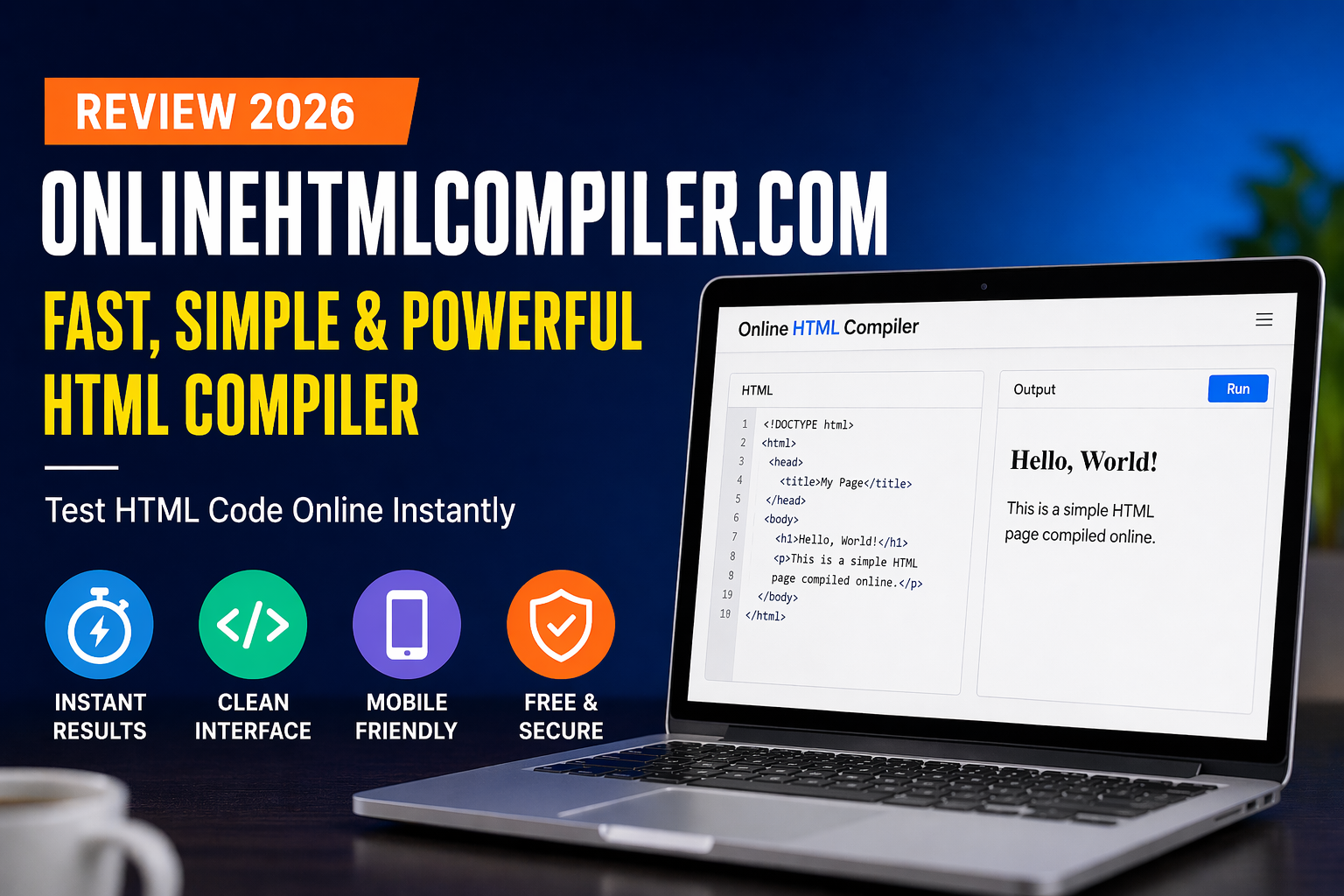
So yeah, onlinehtmlcompiler.com is basically a browser-based tool where you can write and run HTML code instantly. No installations, no complicated setup. Just open it and go.
It’s mainly for quick testing, like checking layouts, debugging small issues, or trying out snippets. I used it for a small landing page tweak (nothing fancy), and it handled it smoothly.
Honestly, it’s not trying to replace full IDEs like VS Code. It’s more like… your quick backup tool when you don’t wanna deal with heavy software.
Key Features That Actually Matter
Instant Code Execution with onlinehtmlcompiler.com
This is where it shines.
You type your HTML, hit run, and boom, output appears instantly. No loading delays (well, maybe like 1 second). I tested this multiple times on Chrome and even on my phone, and it worked consistently.
Compared to JSFiddle? Slightly simpler. Less clutter. Which I liked.
No Login, No Setup
This part made me go “finally.”
You don’t need to create an account or verify email or anything. Just open the site and start coding. I mean… why don’t more tools do this? Seriously.
Although yeah, downside, you can’t save projects. That kinda sucks.
Beginner-Friendly Layout
The interface is super straightforward. Like, even if you’re new to coding, you won’t feel lost.
I showed it to a friend who just started learning HTML (he literally didn’t know what a div was), and within minutes, he was testing stuff. That’s impressive.
What It’ll Cost You: Pricing Breakdown
Free. No catches.
I kept waiting for some hidden premium option or “upgrade now” popup… but nope. It’s just free. Which honestly feels rare these days.
Value-wise? It’s like grabbing a quick snack instead of cooking a full meal. Not fancy, but gets the job done.
The Good & The Bad – Honest Assessment
What I Actually Liked (The Pros)
- Super fast execution (almost instant results)
- No signup needed (huge time saver)
- Clean, distraction-free interface
- Works on mobile and desktop
- Great for quick testing tasks
- Beginner-friendly experience
What Could Be Better (The Cons)
- No project saving (kinda annoying)
- Limited support for complex projects
- Interface feels a bit too basic
Who’s This Really For? User Guide
If you’re learning HTML or just need a quick testing tool, this is perfect. Students, freelancers, or even devs doing quick fixes will find it useful.
NOT ideal if you’re building full-scale apps or need advanced debugging tools. It’s simple, by design.
Questions You’re Probably Asking – FAQs
Is it free to use?
Yep, completely free. No subscriptions or hidden costs.
Can I save my projects?
No, and yeah… that’s a downside. You’ll need to copy your code manually.
Does it support CSS and JS?
Basic support, yes. But it’s mainly focused on HTML.
How does it compare to CodePen?
CodePen is more advanced. onlinehtmlcompiler.com is simpler and faster for quick tasks.
Does it work on mobile devices?
Yes, I tested it on my phone and it worked surprisingly well.
Is it good for beginners?
Definitely. It’s one of the easiest tools to start with.
My Final Take: Worth It or Waste of Time? onlinehtmlcompiler.com Conclusion
Look, onlinehtmlcompiler.com isn’t trying to be a full development platform. And honestly? That’s a good thing. It sticks to what it does best, quick, simple HTML testing.
I’ve been using it for about 2 weeks now, mostly for small tweaks and experiments, and it’s been reliable every single time. No crashes, no weird bugs. Just works.
So yeah, onlinehtmlcompiler.com gets a solid 4.5/5 from me. It’s fast, simple, and does exactly what you need without wasting your time. If you’re into quick coding tasks, give onlinehtmlcompiler.com a try. Seriously
Thank you for reading https://gigaclause.com/.
