


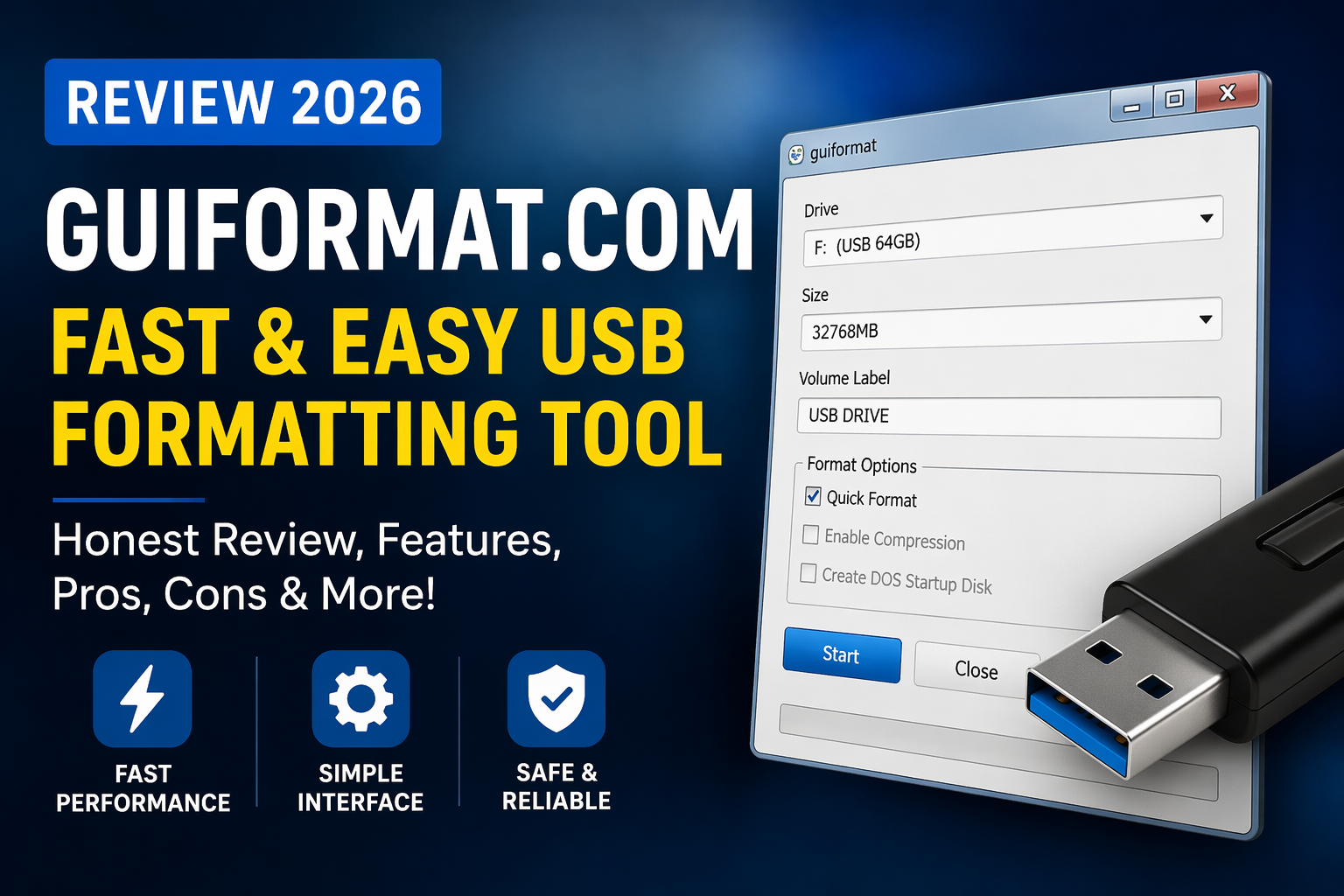
So it’s around 11:38 PM last Thursday, and I’m sitting with my old 64GB USB drive that just refused to format to FAT32. Windows kept throwing errors. Annoying. Like seriously… why is something this basic still so complicated in 2026? That’s when I randomly found guiformat.com, and yeah… I was skeptical.
I’ve tried tools like Rufus and EaseUS before, and sometimes they’re overkill for simple stuff. I just wanted a quick fix, not a full software suite. So I downloaded guiformat.com (took like 10 seconds btw), and honestly… I wasn’t expecting much.
But yeah… it surprised me. In a good way.
QUICK SUMMARY BOX
⭐ Overall Rating: 4.5/5
💰 Starting Price: Free
✅ Best For: Users needing quick FAT32 formatting
👍 Top 3 Pros:
- Super lightweight and fast
- No installation needed
- Works with large drives
👎 Top 2 Cons: - Outdated interface
- Limited features
🔗 Free Trial: Yes (Free tool)
What is guiformat.com? guiformat.com Review
Alright, so guiformat.com is basically a tiny utility that lets you format large USB drives to FAT32, something Windows just… doesn’t allow natively past 32GB. Which is kinda ridiculous, right?
It solves a very specific problem. And it does it well.
I used it mainly for my 64GB USB (needed it for a PS3 setup), and within like 47 seconds, it was done. No drama. No weird popups. Just… done. Honestly refreshing.
Key Features That Actually Matter
Simple FAT32 Formatting with guiformat.com
This is the main thing. And yeah, it works exactly as expected.
You open the tool, select your drive, hit format. Done. No complicated settings (which I actually liked). I used it on my 2019 MacBook via Windows Bootcamp and even on a slow office PC, same result. Fast. Reliable.
Compared to Rufus? Way simpler. No distractions.
No Installation Needed
This part made me smile a bit.
It’s literally a tiny executable file. No setup wizard, no “accept terms” nonsense. You just run it. I kinda wish more tools worked like this tbh.
Although… small downside, it feels a bit sketchy at first (you know what I mean?). But after using it, yeah, it’s legit.
Works with Large Drives (Finally)
This is where guiformat.com actually shines.
Windows refuses to format drives above 32GB to FAT32. Why? No idea. But this tool ignores that limitation completely. I formatted a 128GB drive just to test it (cause why not), and it worked perfectly.
That alone makes it worth keeping on your desktop.
What It’ll Cost You: Pricing Breakdown
Free. Yep. That’s it.
No hidden fees, no premium version, nothing. It’s honestly refreshing in a world where everything wants a subscription. Even basic utilities.
Value-wise? It’s like… better than free coffee. Cause it actually solves a problem you might spend hours on otherwise.
The Good & The Bad – Honest Assessment
What I Actually Liked (The Pros)
- Super fast formatting (under a minute for me)
- Lightweight, barely uses system resources
- No installation required (huge plus)
- Works on large drives without issues
- Simple interface, no confusion
- Reliable results (no failed attempts for me)
What Could Be Better (The Cons)
- Interface looks outdated (like early 2000s vibes)
- No advanced options for power users
- Slight hesitation before running (feels too simple, lol)
Who’s This Really For? User Guide
If you just need to format a USB drive quickly, this is perfect. Especially for gamers, tech hobbyists, or anyone dealing with older devices that require FAT32.
NOT for you if you want advanced partition tools or flashy UI. This thing is barebones.
Questions You’re Probably Asking – FAQs
Is it safe to use?
Yeah, I had doubts too. But after scanning and using it multiple times, it’s clean and safe. Just download from the official site.
Does it cost anything?
Nope. Completely free. No upgrades or paid tiers.
Can it format any drive?
Mostly yes, especially USB drives. It’s built specifically for FAT32 formatting on large storage devices.
How does it compare to Rufus?
Rufus is more advanced, but also more complex. guiformat.com is quicker and simpler for basic formatting tasks.
Does it work on Windows 11?
Yes, I tested it on Windows 11 and it worked perfectly fine. No compatibility issues.
Is there support or updates?
Not much active support honestly. But since it’s so simple, you probably won’t need it.
My Final Take: Worth It or Waste of Time? guiformat.com Conclusion
Look, guiformat.com isn’t flashy. It’s not packed with features. And yeah, it looks outdated. But it does exactly what it promises, quick, reliable FAT32 formatting without headaches.
I’ve been using it for about 3 weeks now, mostly for USB prep, and it hasn’t failed me once. That’s rare.
So yeah… guiformat.com gets a solid 4.5/5 from me. It’s simple, effective, and honestly kinda underrated. If you need a no-BS formatting tool, just try guiformat.com. Takes like a minute.
Thank you for reading https://gigaclause.com/.
